




 Accessories
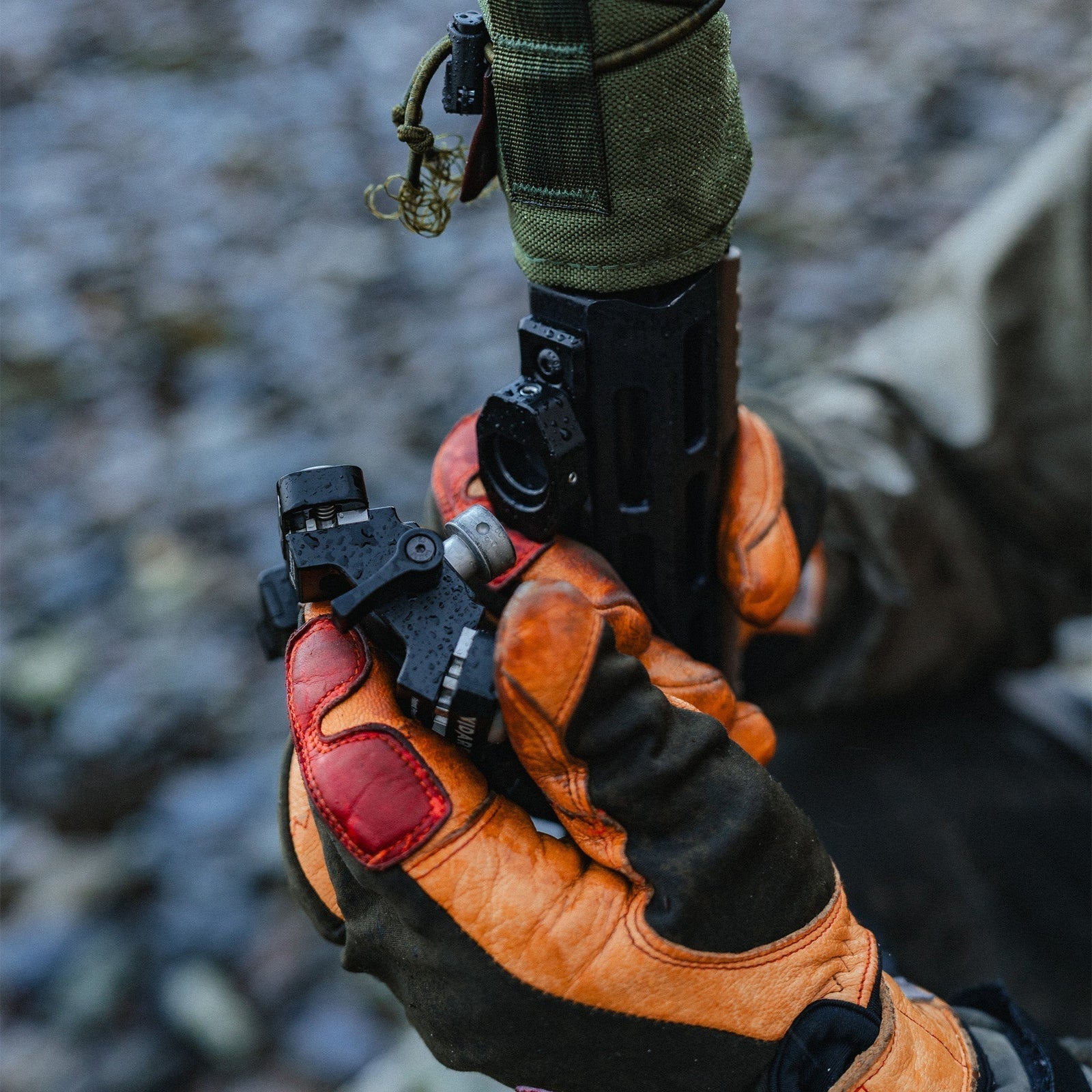
Disc-Lok™ Adapter for M-Lok - Product Guide
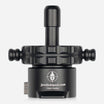
The Disc-Lok™ Adapter for M-Lok mounts to any genuine M-Lok accessory rail, giving Disc-Lok™ compatible bipods and tripods a secure, semi-permanent point of attachment on the rifle.
Subscribe to our YouTube Channel here.Overview
The Disc-Lok™ M-Lok Adapter allows Disc-Lok compatible Spartan bipods and tripods to be attached or removed quickly from rifles equipped with genuine M-Lok accessory rails.
Once installed, the adapter provides a secure mounting interface for Spartan shooting supports while allowing rapid attachment and detachment in the field.
Installing the Adapter
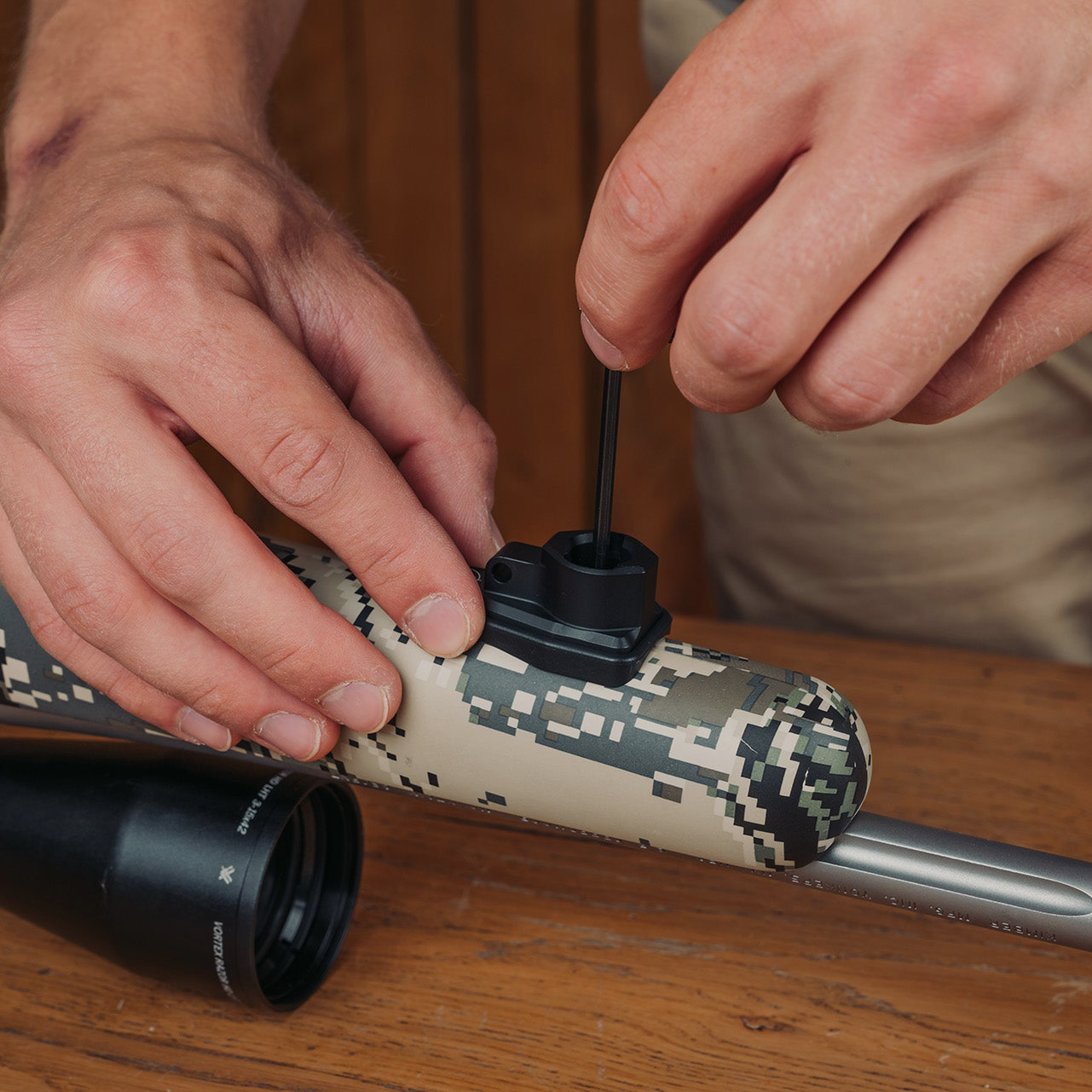
Installation of the Disc-Lok M-Lok Adapter requires a Torx T20 key.
Position the adapter onto the M-Lok rail and ensure the base of the adapter sits flush against the mounting surface. Tighten the mounting screws while applying light downward pressure on the tool to ensure the screws seat correctly.
For best results, it is recommended to apply a small amount of semi-permanent thread lock to the screws during installation.
Setting the T-Nut Position
For the adapter to function correctly, the T-Nut gap must be slightly wider than the thickness of the mounting surface.
For most aluminium rails, aligning the highest edge of the T-Nut with the bottom edge of the recoil lug will provide the correct spacing. Thicker or polymer rails may require the T-Nuts to sit slightly looser, with a small thread gap between the nut and the mounting surface.
Ensuring Correct Engagement
When the screws are tightened, the T-Nuts should rotate 90 degrees into the locked position. This typically occurs within approximately a quarter turn of the screw.
Where possible, visually confirm the T-Nut rotation through the vents in the handguard. If the nut cannot be seen, you will normally feel the screw rotate freely at first, before becoming slightly tighter as the T-Nut locks into place.
Continue tightening until the adapter is secure.
Troubleshooting T-Nut Rotation
If the T-Nut spins freely without tightening, the nut is likely too far away from the mounting surface. Remove the adapter and tighten the nut by one full turn before reinstalling.
If the T-Nut cannot rotate properly, it may be positioned too close to the accessory. In this case, loosen the nut slightly and reinstall the adapter until the nut can rotate correctly into the locked position.
Additional Screws
The 2 Friction adjustment Grub Screws are found on the Left and Right side of the Adapter and requires a 1.5mm HEX key. M3×4. Loosening each of these allows for slight movement and adjustment of the adapter mechanism, by fulling loosening them this allows for greater movement and disassembly of the adapter when fully removed.
The Traverse Locking Grub Screw Pin is located on the opposite side to the knurled detent, and requires a Torx 10 Key to adjust M5×10. By fully tightening this will remove the ability to quick detach, and locks your bipod to the adapter. By fulling loosening them this allows for greater movement and disassembly of the adapter when fully removed.
Need More Help?
For further assistance, please contact the Spartan support team at help@javelinbipod.com.
Accessories
 Adapters
Arca to Spartan 12mm - Product Guide
 Tripods
Ascent Tripod Gen 2 - Product Guide
 Adapters
Binocular Adapter - Product Guide
 Adapters
Classic Guide Adapter - Product Guide
 Adapters
Classic Gunsmith Adapter - Product Guide
 Adapters
Classic KeyMod Adapter - Product Guide
 Adapters
Classic M-Lok Adapter - Product Guide
 Adapters
Classic Picatinny Adapter - Product Guide
 Adapters
Classic Rifle & Picatinny Rail - Product Guide
 Adapters
Classic Rifle Adapter - Product Guide
 Adapters