



 Accessories
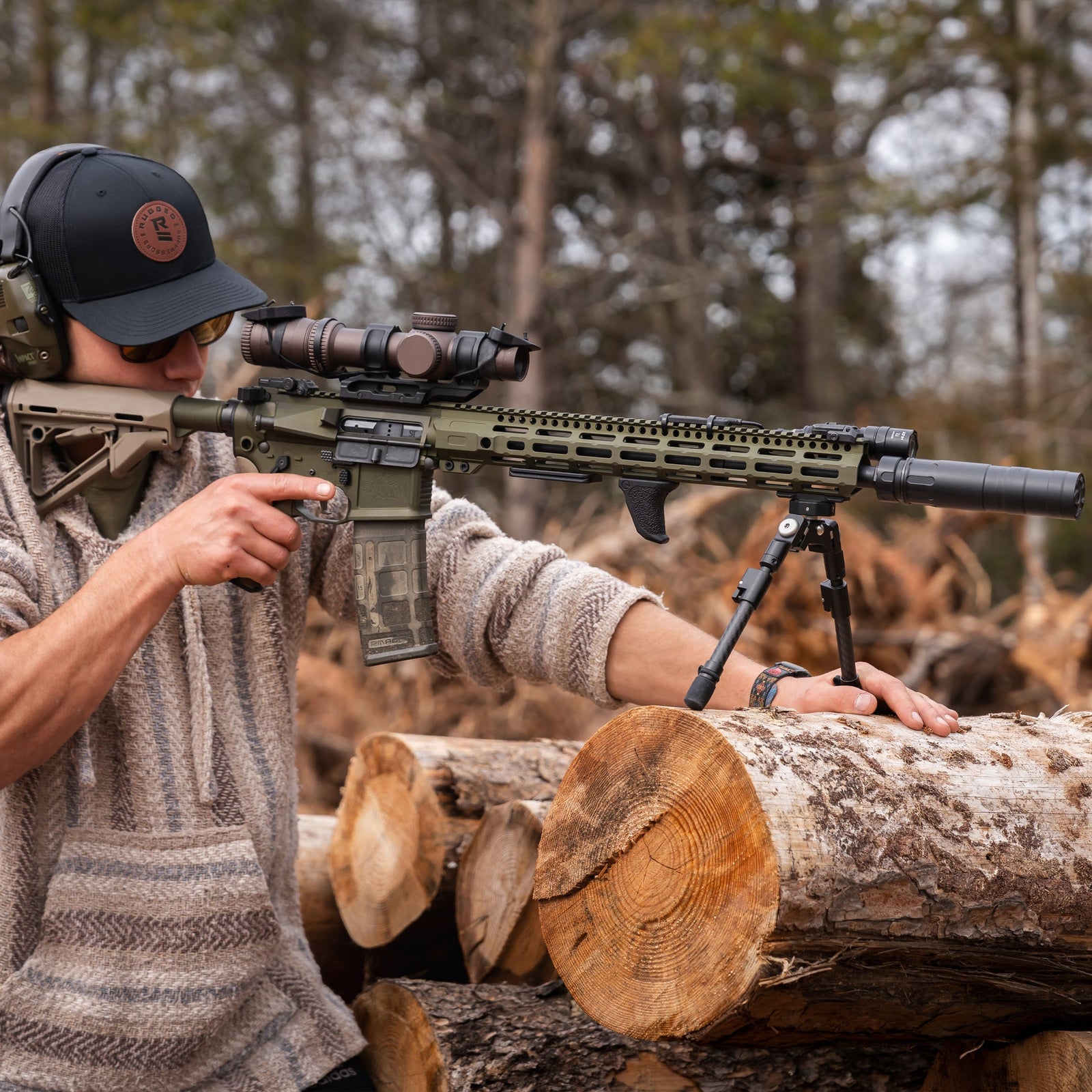
Vidarr Bipod - Product Guide
The Vidarr combines the versatility of a conventionally mounted bipod, with the lightweight and removable benefits of the Spartan ethos.
Subscribe to our YouTube Channel here.Overview
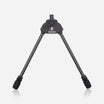
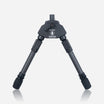
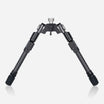
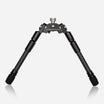
The Vidarr Bipod is a versatile, low-profile shooting support designed for both hunters and competitive shooters. Built from 7075 aluminium and carbon fibre, the Vidarr combines strength, lightweight construction, and stability in demanding shooting environments.
Using the Disc-Lok™ adapter system, the bipod can be attached or removed in seconds, allowing shooters to quickly transition between supported and unsupported shooting. The quick-extendable legs feature four pitch positions, providing adaptability across a wide range of shooting positions and terrain.
Installation
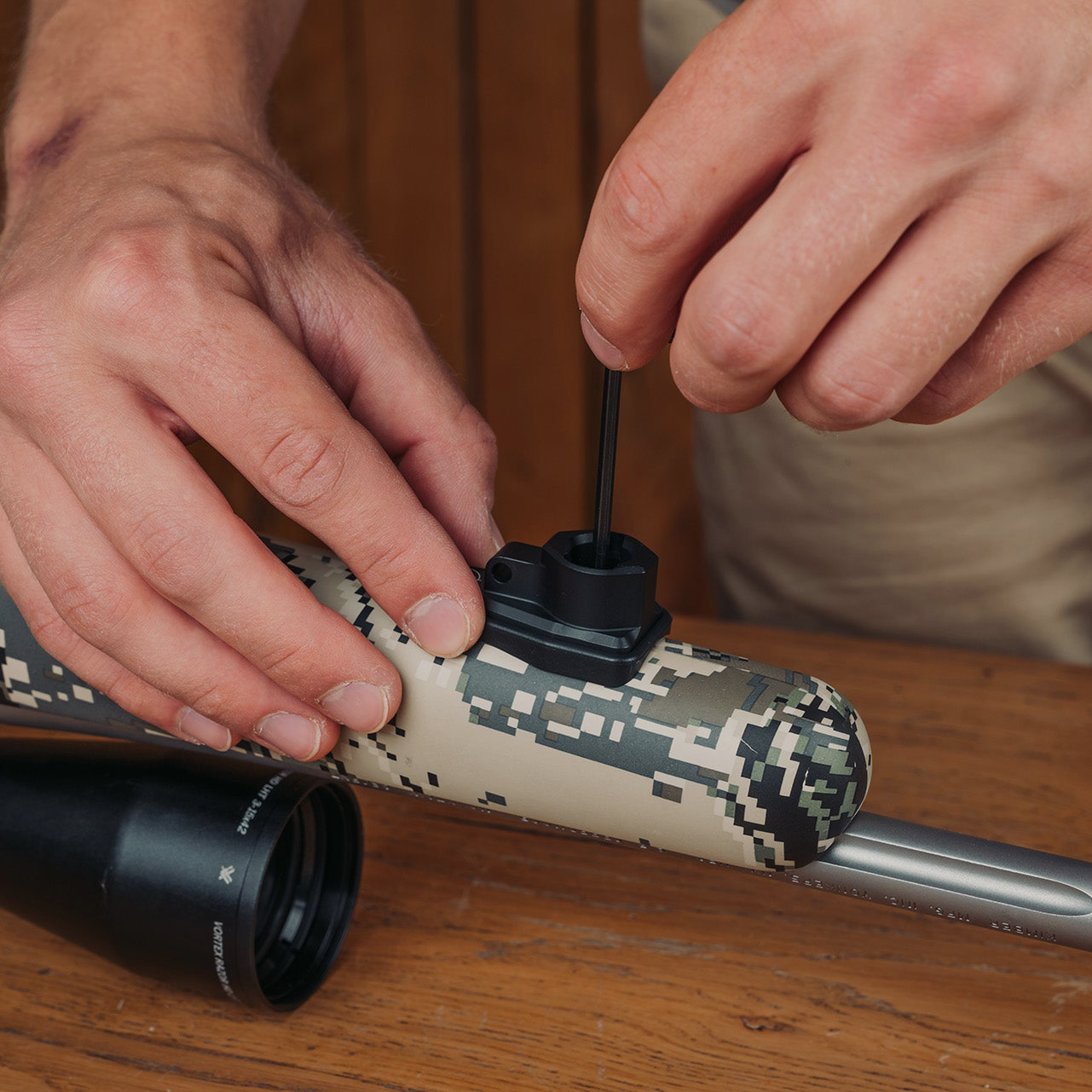
Installing the Vidarr Bipod requires fitting the appropriate Disc-Lok™ adapter to your rifle. The bipod can then be attached or removed quickly when needed.
Adapters are available for both Picatinny and M-Lok rail systems, allowing compatibility with a wide range of rifles and chassis systems.
Installing the Picatinny Adapter
To install the Picatinny Disc-Lok Adapter, begin by loosening the two Torx T25 bolts located on the side of the adapter. Please note that a Torx key is not included.
Position the adapter onto the Picatinny rail, ensuring it sits securely within the rail slots. Once correctly positioned, tighten the bolts evenly to a torque setting of approximately 4 Nm (32 ft-lb) to secure the adapter.
Installing the M-Lok Adapter
The M-Lok adapter system allows the Vidarr Bipod to mount directly onto rifles equipped with M-Lok handguards.
Before installation, adjust the T-Nut gap so that it is slightly wider than the thickness of the mounting surface. This ensures the nut rotates correctly and locks securely when tightened. For most aluminium rails, aligning the highest edge of the T-Nut with the bottom edge of the recoil lug will provide correct spacing.
Once the adapter is positioned in the M-Lok slot, ensure the base of the accessory sits flush against the mounting surface. If necessary, slide the adapter slightly forward or backward until the lugs fully engage the slot.
Apply downward pressure on the hex wrench and tighten the screws. For improved repeatability, slight forward and lateral pressure can be applied to the accessory before fully tightening the screws so that it sits firmly against the slot.
Leg Pitch Positions
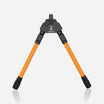
The Vidarr Bipod offers four leg pitch positions. The first position is 0°, which stores the legs in the stowed position. From there, the legs can quickly deploy to 90° using the quick-deploy feature, where pushing the legs downward automatically positions them for shooting.
The 135° position is designed for situations where the shooter needs to lean into the rifle, such as when shooting downhill or reducing recoil movement. The 180° forward-locked position allows the legs to fold forward along the rifle. This configuration is useful when moving through dense vegetation where maintaining a low-profile setup helps prevent accidental deployment.
Leg Height Adjustment
The Vidarr Bipod allows precise height adjustments to suit different shooting positions and terrain.
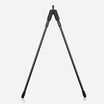
To adjust the height, depress the spring-loaded lever and extend or retract the lower leg section to the desired length. The internal spring system ensures smooth and controlled adjustment, even when operating the bipod from a prone position.
Note: The spring-loaded lever should be fully pressed in when adjusting to reduce chance of leg noise.
Leg Orientation
The orientation of the Tac Leg adjustment lever can be customized to suit the shooter’s preference. To change the lever position, loosen the two grub screws located at the top of the leg and rotate the leg section until the lever is in the desired position. Once adjusted, retighten the screws to secure the leg. Avoid overtightening during this process.
Changing Legs
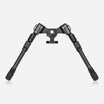
The body of the Vidarr Bipod features Spartan’s threaded M14 leg system, allowing the legs to be easily removed and replaced.
To remove a leg, simply rotate it counter-clockwise until it unscrews from the bipod body. The bipod is compatible with the full range of Spartan M14 legs, enabling shooters to configure the bipod for different shooting positions and environments.
This modular design allows the bipod to be tailored for prone shooting, seated shooting, or uneven terrain.
Feet
Each bipod is fitted with a stainless steel tip and tethered synthetic rubber boot. Gently pull off the synthetic boot to expose the stainless steel tip for better grip on difficult terrain.
All feet have a flat edge to allow a spanner for removal to enable use of purchased Spartan foot accessories such as Claw Feet, 2 Part Foot Spikes and Snow Shoes.

Need More Help?
If you have any questions or require assistance with installation or operation, please contact the Spartan support team at: help@javelinbipod.com
Accessories
 Adapters
Arca to Spartan 12mm - Product Guide
 Tripods
Ascent Tripod Gen 2 - Product Guide
 Adapters
Binocular Adapter - Product Guide
 Adapters
Classic Guide Adapter - Product Guide
 Adapters
Classic Gunsmith Adapter - Product Guide
 Adapters
Classic KeyMod Adapter - Product Guide
 Adapters
Classic M-Lok Adapter - Product Guide
 Adapters
Classic Picatinny Adapter - Product Guide
 Adapters
Classic Rifle & Picatinny Rail - Product Guide
 Adapters
Classic Rifle Adapter - Product Guide
 Adapters