



 Accessories

Valhalla Gen 1 - Product Guide
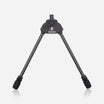
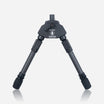
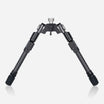
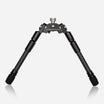
A lightweight tactical bipod built for speed and stability. Attaches to Picatinny or M-LOK rails, deploys instantly with spring-assisted legs, and integrates with Spartan tripods for rapid position changes in the field.
Subscribe to our YouTube Channel here.Installation
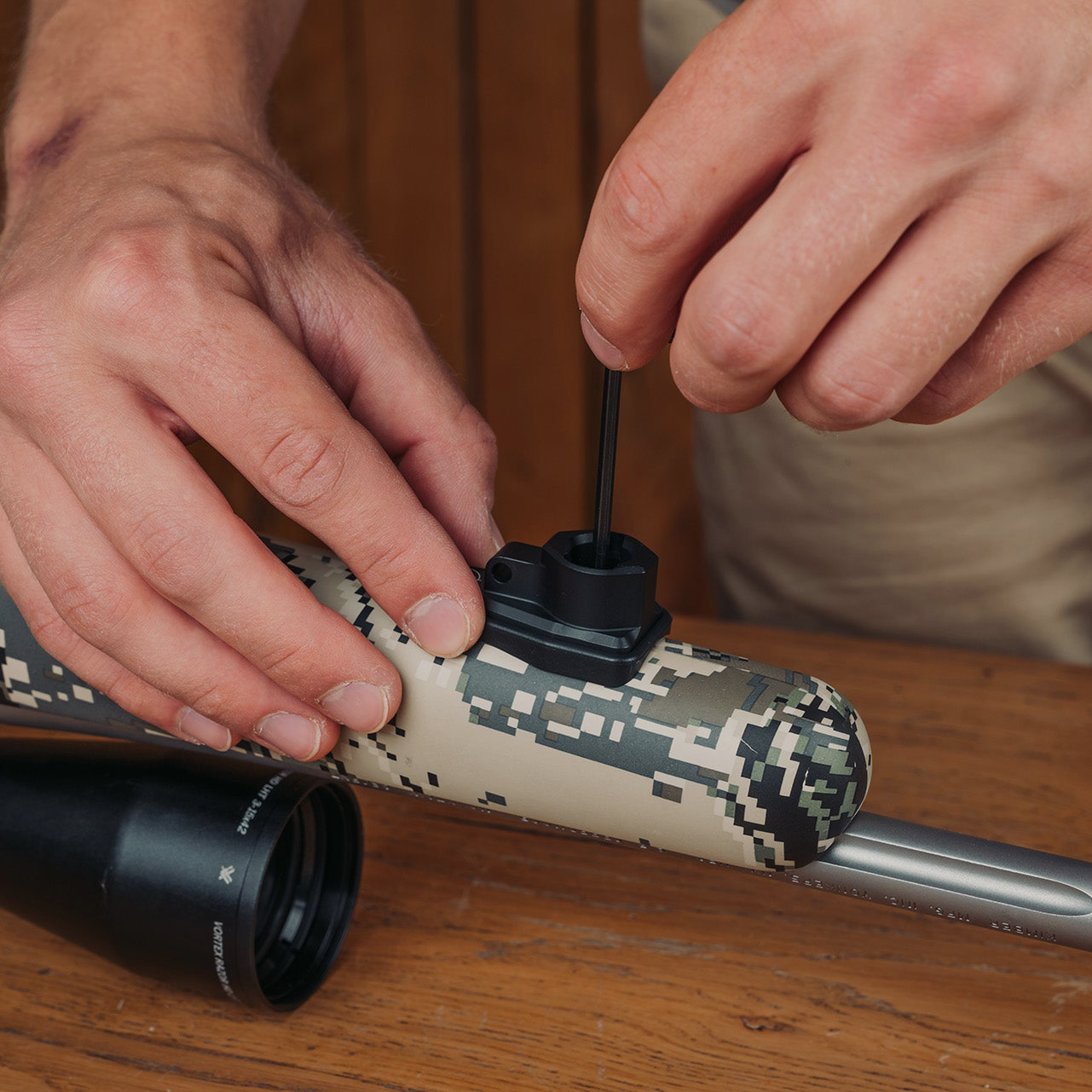
The Valhalla Gen 1 Bipod attaches to your rifle using a pre-installed Spartan adapter. Both the M-Lok and Picatinny adapters are designed to remain mounted on the rifle for convenience, although they can be removed if required. Once the adapter is installed, the bipod can be attached or removed quickly when needed.

Installing the M-Lok Adapter
To install the M-Lok adapter, position it onto your rifle’s M-Lok rail and secure it using the supplied screws. Tighten the screws evenly to ensure the adapter sits flush against the rail. For best results, we recommend applying a small amount of semi-permanent thread lock to the screw threads during installation to prevent loosening during use.
Please Note: The Valhalla Gen 2 can be mounted on Gen 1 Spigots, however the spigot will protrude. We recommend using the appropriate generational spigots to their bipod.
Installing the Picatinny Adapter
The Picatinny adapter allows the Valhalla Gen 1 Bipod to mount securely onto rifles equipped with a Picatinny rail. Using the provided Torx tool, position the adapter onto the rail and tighten the screws until the adapter is firmly secured. To attach the bipod, press the spring-loaded catch located on the front of the chassis, then slide the bipod onto the adapter spigot. Once installed, check that the bipod is properly retained and locked into place.
Please Note: The Valhalla Gen 2 can be mounted on Gen 1 Spigots, however the spigot will protrude. We recommend using the appropriate generational spigots to their bipod.
Cant Locking Lever
The cant locking lever controls the pressure applied to the adapter spigot and allows the shooter to lock the rifle at the desired cant angle. Rotating the lever clockwise increases friction on the spigot, allowing the bipod to hold the rifle securely in position. This feature is useful when shooting on uneven terrain where leveling the rifle is important. If you wish to reposition the lever for better access or comfort, pull the lever outward and rotate it to the desired position before releasing it back into place.
Cant Limit Screw
The Valhalla bipod includes a cant limit screw that restricts movement to approximately 10 degrees left and right. If a greater range of motion is required, the screw can be removed to allow increased articulation of the bipod.
Leg Pitch Positions
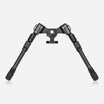
The Valhalla Gen 1 Bipod offers multiple leg pitch positions, allowing the shooter to configure the bipod for different shooting scenarios. The legs can be indexed at five angles between 0° and 180°. To change the leg angle, push down on the spring-loaded shoulder of the leg and move it to the desired position. This flexibility allows the bipod to be adapted for prone shooting, uneven terrain, or more aggressive shooting positions.

Leg Height Adjustment
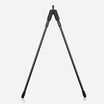
The bipod allows quick and precise leg height adjustments to suit different shooting conditions. To extend or shorten the legs, depress the spring-loaded lever and move the lower leg section to the desired height. Release the lever once the correct height is reached to lock the leg securely in place. Internal springs assist the movement, making adjustments smooth and easy even when operating the bipod in the prone position.

Leg Orientation
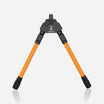
The orientation of the Tac Leg adjustment lever can be customized to suit the shooter’s preference. To change the lever position, loosen the two grub screws located at the top of the leg and rotate the leg section until the lever is in the desired position. Once adjusted, retighten the screws to secure the leg. Avoid overtightening during this process.
Removing and Changing the Legs
The legs of the Valhalla bipod can be removed by rotating them anti-clockwise until they unscrew from the bipod body. Alternative leg options with different lengths are available within the Spartan accessories range. This allows the bipod to be configured for various shooting positions and environments.
Direct Mount to Spartan Tripods and Heads
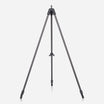
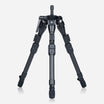
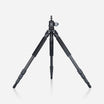
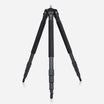
The Valhalla Gen 1 Bipod can also attach directly to Spartan Davros heads and Spartan tripods. This allows shooters to transition quickly between prone, seated, and standing shooting positions, providing additional flexibility when shooting in challenging terrain.

Need More Help?
If you have any questions or require assistance with installation or operation, please contact the Spartan support team at: help@javelinbipod.com
Accessories
 Adapters
Arca to Spartan 12mm - Product Guide
 Tripods
Ascent Tripod Gen 2 - Product Guide
 Adapters
Binocular Adapter - Product Guide
 Adapters
Classic Guide Adapter - Product Guide
 Adapters
Classic Gunsmith Adapter - Product Guide
 Adapters
Classic KeyMod Adapter - Product Guide
 Adapters
Classic M-Lok Adapter - Product Guide
 Adapters
Classic Picatinny Adapter - Product Guide
 Adapters
Classic Rifle & Picatinny Rail - Product Guide
 Adapters
Classic Rifle Adapter - Product Guide
 Adapters