



 Accessories
Javelin Lite TL - Product Guide
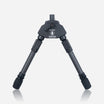
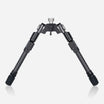
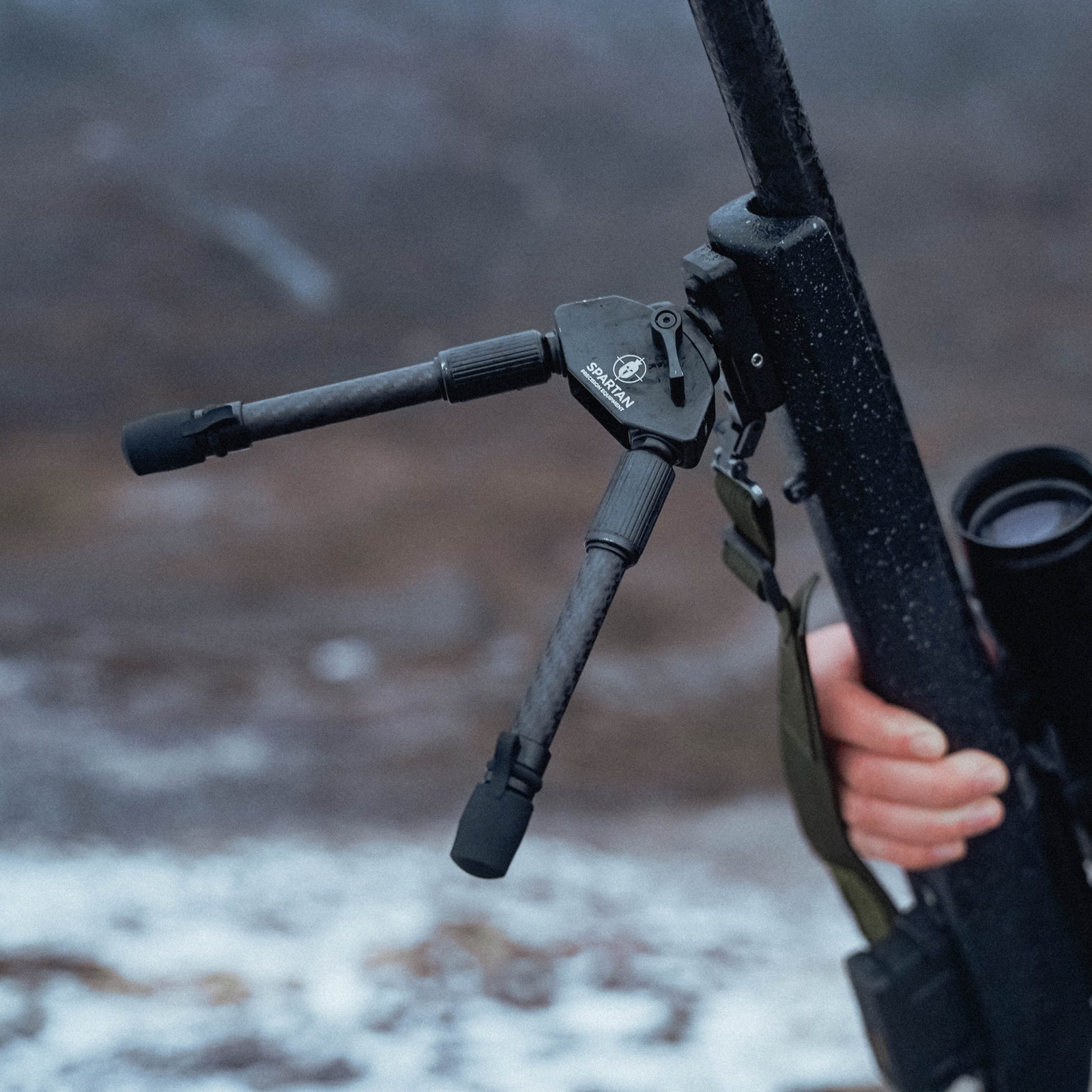
The Javelin Lite TL Bipod is the step up in the Lite range. With its added adjustability of the twist lock leg and adjustable height, still using the MagnaSwitch™ system.
Subscribe to our YouTube Channel here.Installing an Adapter
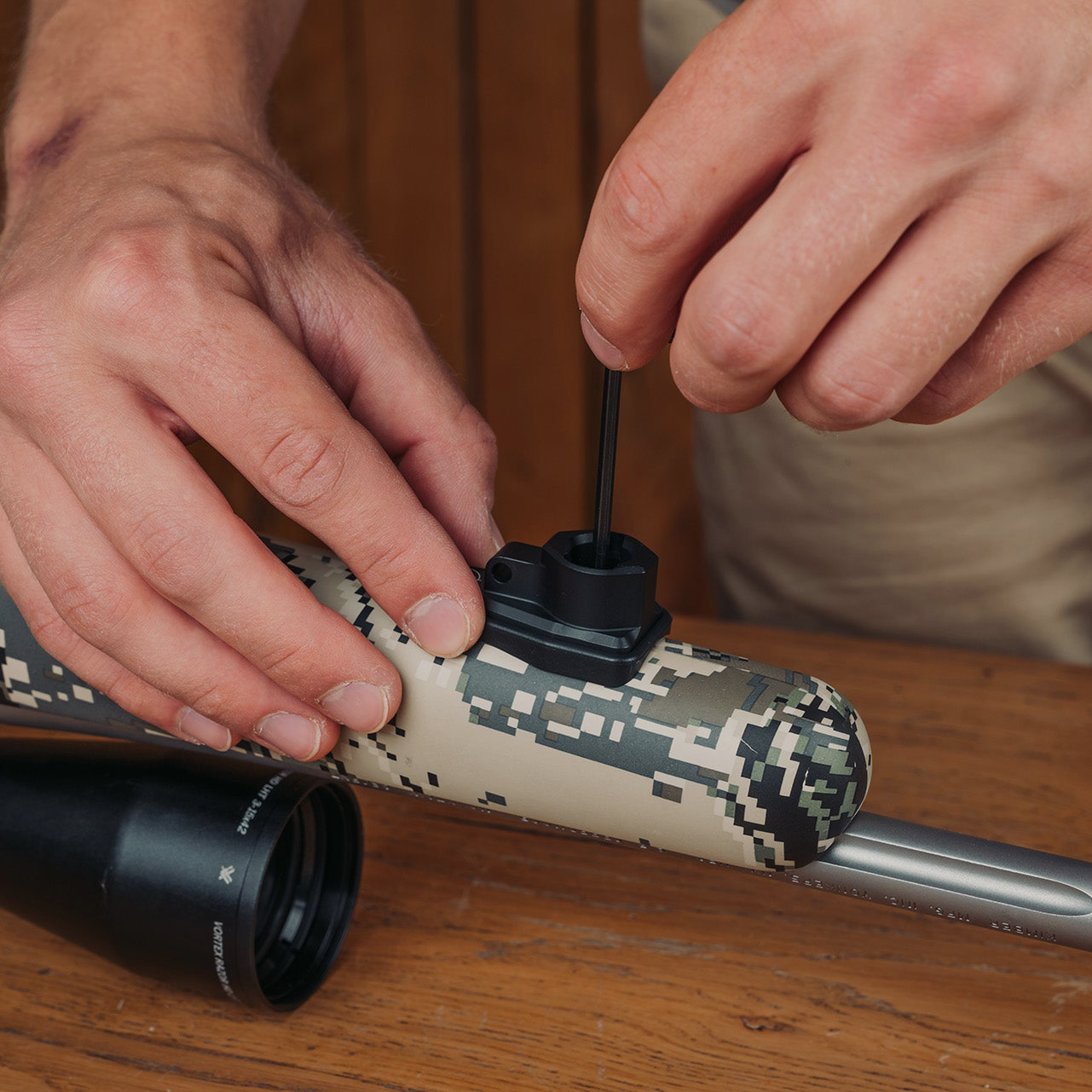
Before using your Javelin Lite TL Bipod, you will need to have an adapter installed on your rifle, unless you already have a gunsmith adapter installed. Please be aware some bipods may not come with an adapter on purchase. Please read the product guide carefully or contact us for assistance if needed. Here are some adapter installation guides to help you get started.
If this option isn't working for you, we have an article that looks at other options for fitting the Classic Rifle Adapter. View other installation options here.
Attaching and Removing the Bipod
To attach the bipod to the rifle, insert the bipod's spigot into the slot on the adapter. The magnet will ease this process and retain the bipod in the adapter. To remove the bipod from the rifle, firmly pull the bipod downwards away from the adapter.

Inserting the bipod in the adapter with the lever facing away from you will allow you to pan the rifle 30° left and right, into what we call "tracking mode" meaning you can track moving targets. Inserting the bipod into the adapter with the locking lever facing towards you will lock the pan movement, to a locked "shooting mode" giving the bipod minimal movement when attached to your rifle.

Adjust Leg Height
Rotate the serrated rubber grip on the bipod leg counterclockwise to loosen it. Pull the lower half of the bipod leg downwards until reaching your desired height. Turn the serrated rubber grip clockwise to tighten the leg lock. Repeat on the other side.
Note: The Twist Lock leg only needs half a turn to loosen and retighten.

Cant & Locking Lever
Rotating the cant lever clockwise will allow you to lock the cant angle at the desired position. If you would like to change the position of the lever to adjust the lock position or for fine tuning, pull the lever outwards, and rotate it to the desired position on the locking nut.

Feet
Each bipod is fitted with a stainless steel tip and tethered synthetic rubber boot. Gently pull off the synthetic boot to expose the stainless steel tip for better grip on difficult terrain. All feet have a flat edge to allow a spanner for removal to enable use of purchased Spartan foot accessories such as Claw Feet, 2 Part Foot Spikes and Snow Shoes.

Changing Legs
The legs from the Javelin Lite TL Bipod can be unscrewed by rotating them anti-clockwise and replaced with any M14 Threaded compatible leg. Making your Javelin Lite head more versatile. For example our Pro legs, offer a ground clearance of 19.5" to 42" are perfect for predator hunters and seated shooting scenarios that require additional height and adaptability.

Need More Help?
If you have any questions, concerns, or issues, please don't hesitate to contact us at: help@javelinbipod.com
Accessories
 Adapters
Arca to Spartan 12mm - Product Guide
 Tripods
Ascent Tripod Gen 2 - Product Guide
 Adapters
Binocular Adapter - Product Guide
 Adapters
Classic Guide Adapter - Product Guide
 Adapters
Classic Gunsmith Adapter - Product Guide
 Adapters
Classic KeyMod Adapter - Product Guide
 Adapters
Classic M-Lok Adapter - Product Guide
 Adapters
Classic Picatinny Adapter - Product Guide
 Adapters
Classic Rifle & Picatinny Rail - Product Guide
 Adapters
Classic Rifle Adapter - Product Guide
 Adapters